
Read, highlight and bookmark your PDFs. Private, with no ads.
A free, private PDF reader for Android. Open any PDF, highlight lines with a highlighter pen, bookmark pages and carry on exactly where you stopped. Share your highlights as notes, and read at night with dark or sepia pages. There are no ads and no sign-up, and the app has no internet access, so your documents never leave your phone.
- Free, with no ads and no in-app purchases
- No internet permission, no account, no tracking
- Your PDF files are never changed
See it in action
What SaralReader does
Library and resume
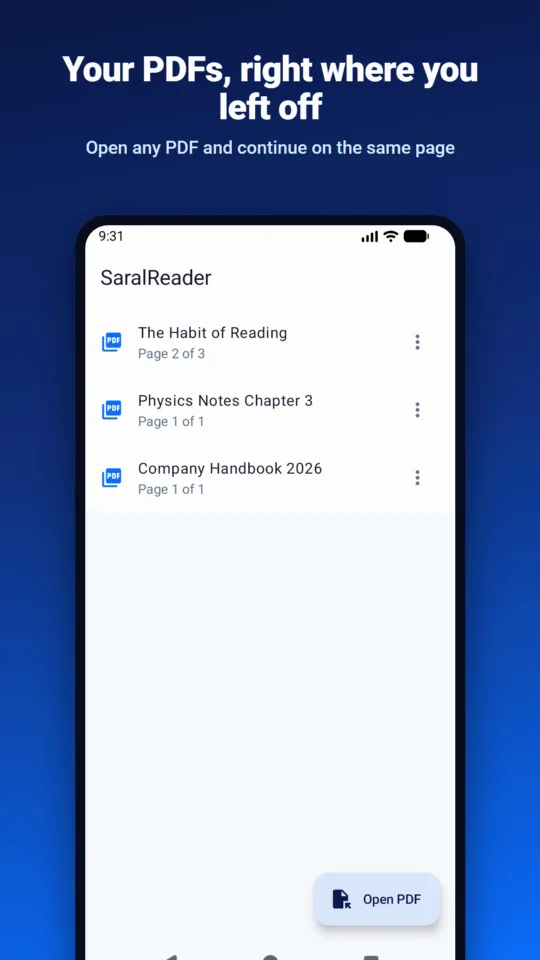
Recent PDFs with “Page X of Y”, opening on the page where you stopped. Files stay where they are, and removing a book never deletes the file.
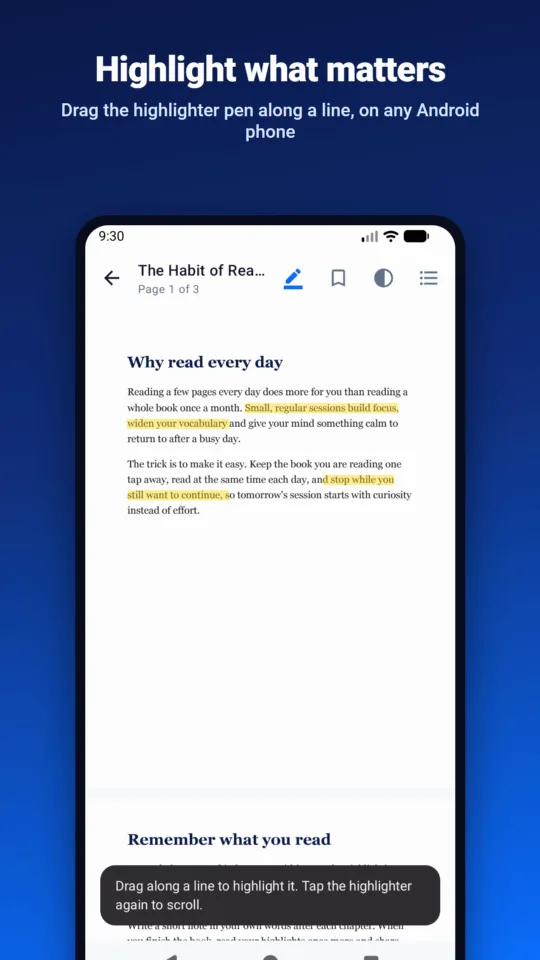
Highlighter pen
Drag along a line to highlight it. Where the PDF’s text can be read, the highlight snaps to the words and keeps the text.
Highlight selected text
Select text and tap Highlight. Search inside the document, copy text and tap links too.
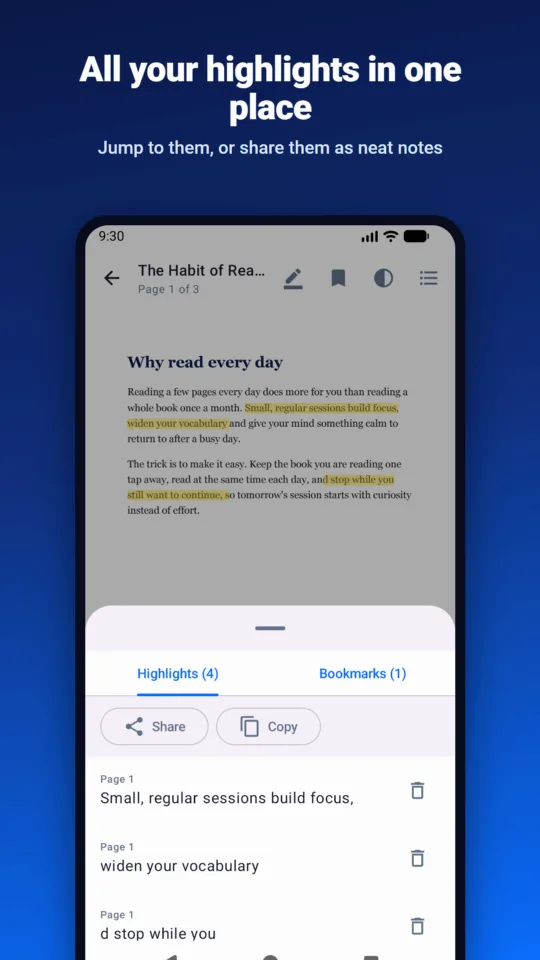
Highlights list
All of a book’s highlights in one list. Tap one to jump to its page, or delete it.
Share your notes
Share all highlights as tidy notes (Markdown) or copy them as plain text, to paste into notes, email or WhatsApp.
Bookmarks
Bookmark any page with one tap and jump back to it from the list.
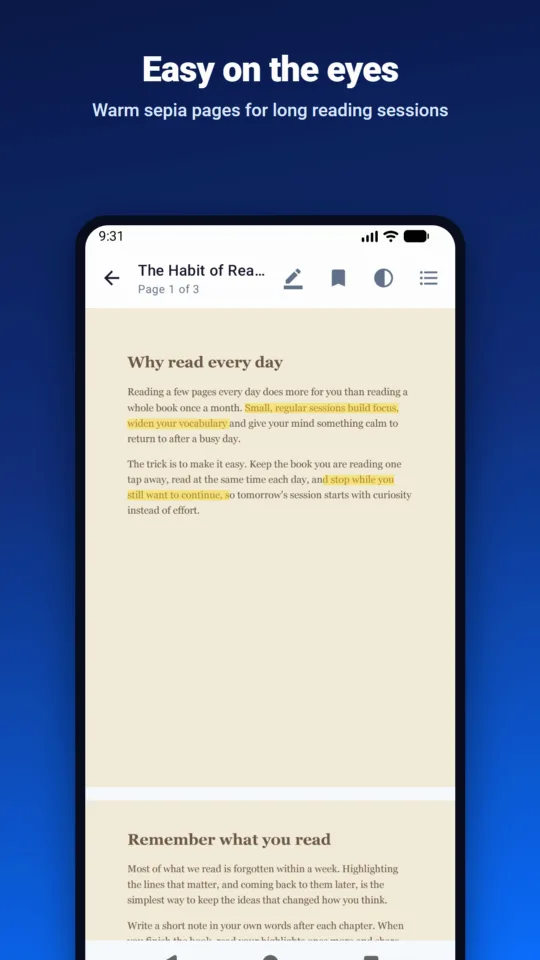
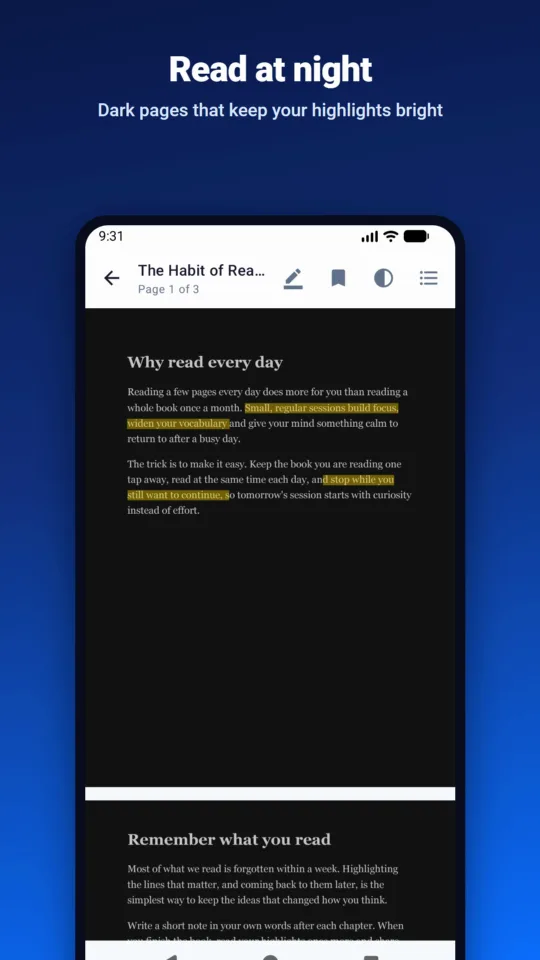
Night and sepia pages
Normal, night (dark) and sepia page colours. Highlights keep their colours.
Open with SaralReader
Open PDFs straight from your files app, email or chat apps. Password-protected PDFs open too.
No internet permission
The app can’t go online. Your PDF files are never copied, uploaded or changed, and highlights are kept separately in the app.
Private by design
The app has no internet permission, so your PDFs, highlights and reading progress can’t leave your phone. It only opens the files you pick, and never changes them. There are no ads, no account and no analytics.
Read the privacy policyMade for
- Students and exam preparation
- Teachers and trainers
- Professionals reading reports
- Anyone who reads PDFs on a phone
Need an Android app for your business?
We built SaralReader in-house, from the camera scanner to the Play Store release. Tell us what your app needs to do and we’ll tell you honestly what it takes.