SaralQRScan: QR & Barcode Scanner

SaralQRScan icon
Free Android app · v1.2.0

Scan any QR code or barcode. Fast, safe and private.

A free QR code and barcode scanner for Android. It checks links before you open them, joins Wi-Fi in one tap, pays UPI codes with your own UPI app and makes QR codes too. It needs no account, scanning works offline and your scans stay on your phone.

  • Free, with no sign-up
  • Scanning works offline
  • Scan history stays on your phone
SaralQRScan: Scan in a second
Screenshots

See it in action

SaralQRScan: Scan in a second
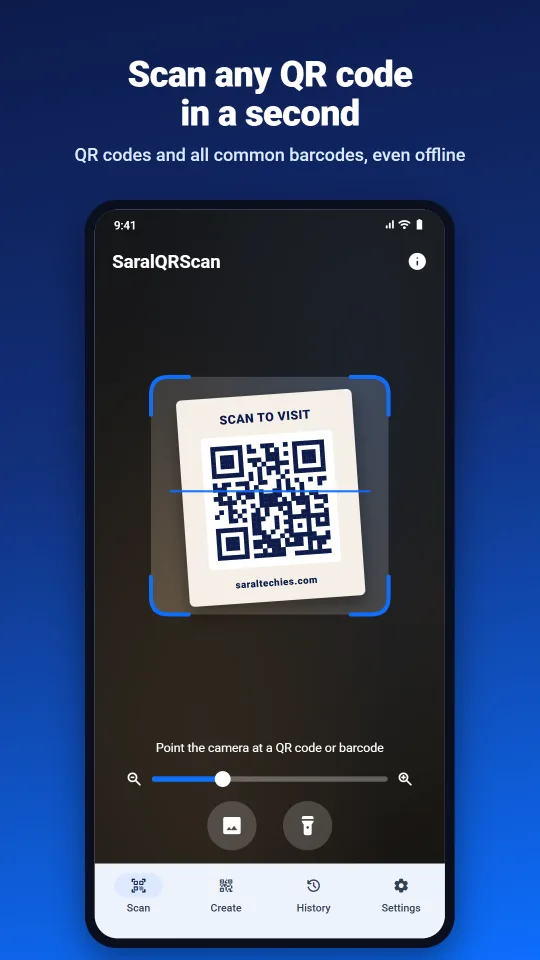
Scan in a second. Point the camera at a QR code or barcode. Flashlight, zoom and tap-to-focus help with small or far-away codes.
SaralQRScan: Check a link before you open it
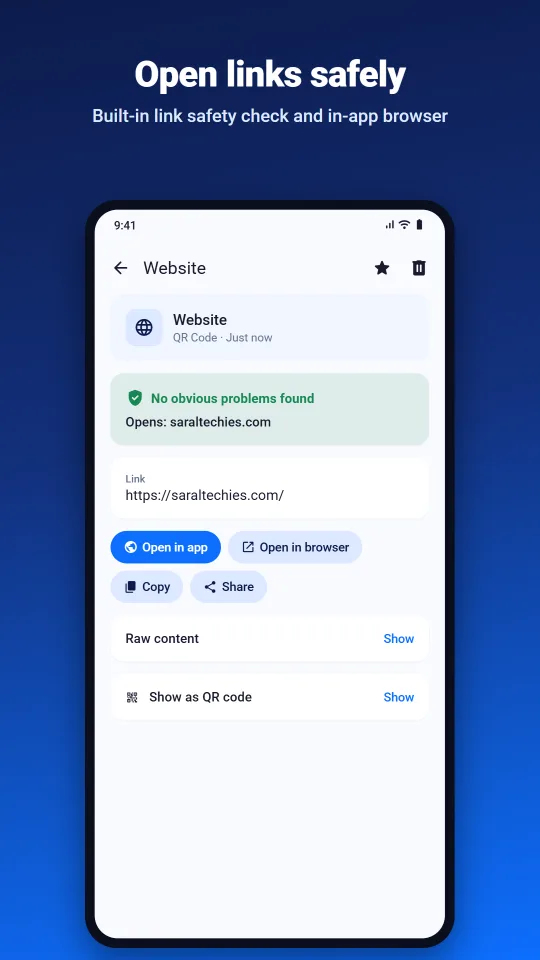
Check a link before you open it. Every link gets a safety check, then opens in the built-in browser or your usual one.
SaralQRScan: Join Wi-Fi in one tap
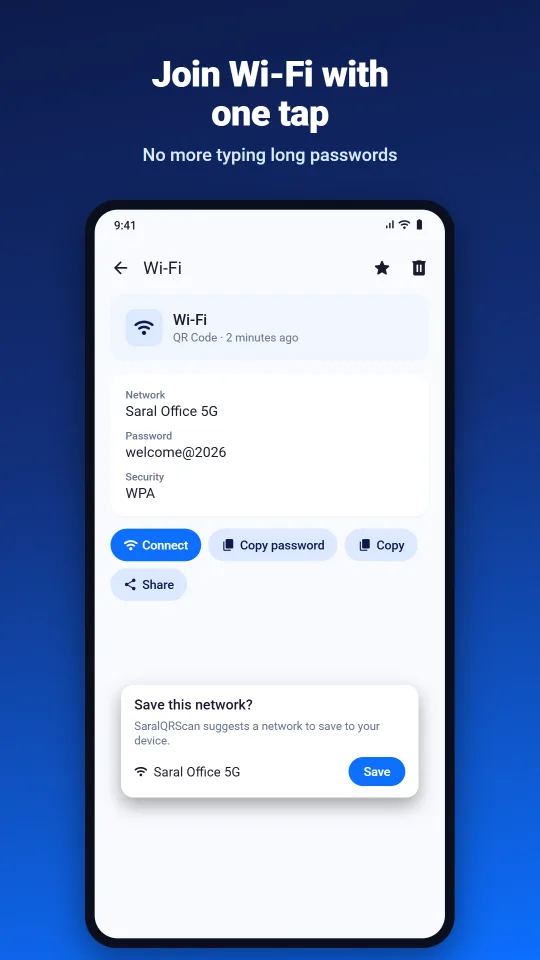
Join Wi-Fi in one tap. Scan the code on the wall and connect, with no long password to type.
SaralQRScan: Make your own QR codes
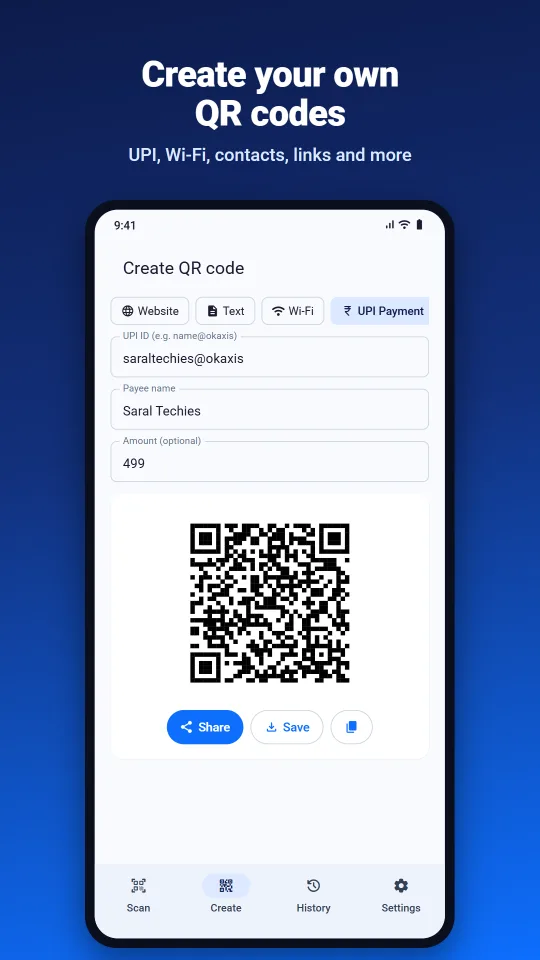
Make your own QR codes. Links, UPI payments, Wi-Fi, contacts and more. Share them or save them to your gallery.
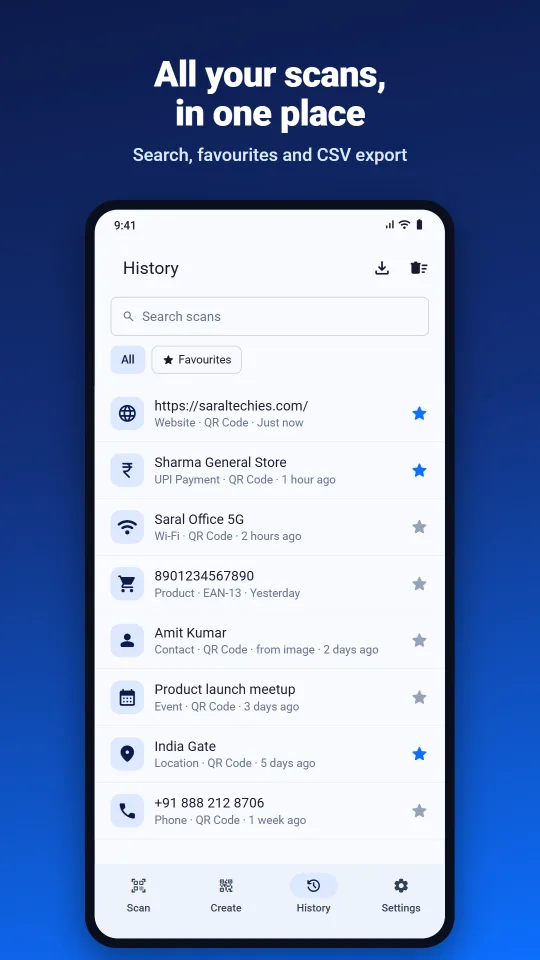
SaralQRScan: All your scans in one place
All your scans in one place. Search old scans, star favourites and export them to a CSV file.
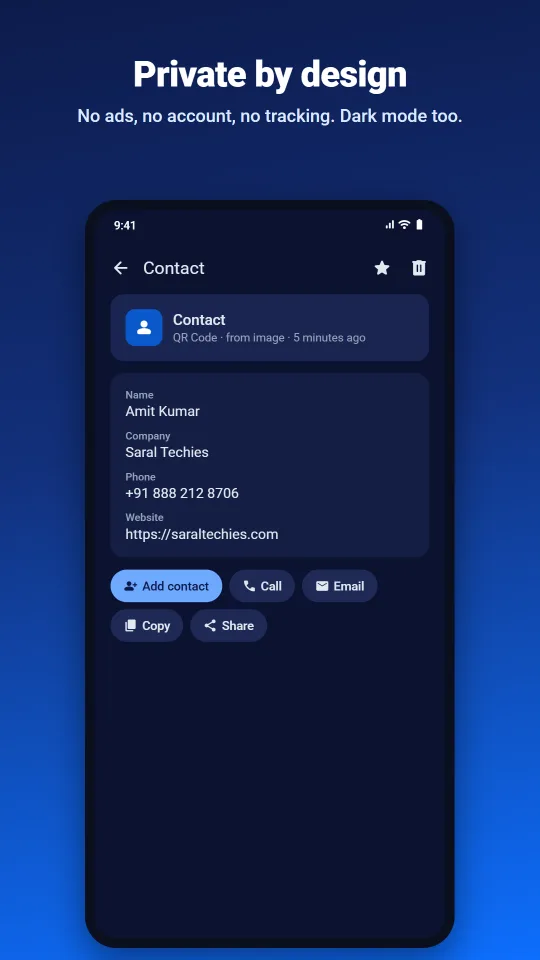
SaralQRScan: Private, in light or dark
Private, in light or dark. No account, and your scans stay on your phone. Pick a light or dark theme, or follow your phone.
Features

What SaralQRScan does

Every common code

QR codes plus EAN, UPC, Code 128, Code 39, Code 93, Codabar, ITF, Data Matrix, PDF417 and Aztec.

Scan from a photo

Pick a picture from your gallery, or share a screenshot to the app. If it holds several codes, you choose which one to open.

Link safety check

Warns about links without HTTPS, raw IP addresses, short links that hide where they go, look-alike domains and the “@” trick.

One-tap Wi-Fi

Connect to a network from its QR code, or copy the password.

UPI payments

Opens the payment in Google Pay, PhonePe, Paytm or any UPI app you have. The app never handles the money itself.

Contacts and events

Save a contact card to your phone book or add an event to your calendar. Nothing is saved until you confirm.

QR code maker

Create codes for links, text, Wi-Fi, contacts, UPI, phone, SMS, email and locations. A shop can print a UPI code in seconds.

History on your phone

Search, favourites, CSV export and duplicate merging. You can turn history off at any time.

Scan in one tap

Add the Scan QR tile to your Quick Settings panel, or long-press the app icon for Scan, Create and History.

Works offline

The scanning model is built into the app, so scanning needs no internet connection.

Private by design

Codes are read on your phone and your scan history stays in the app on your phone. There’s no account, and we never see what you scan. Google’s scanning library built into the app sends basic diagnostics to Google, as the privacy policy explains.

Read the privacy policy

Made for

  • Anyone who scans QR codes
  • Shop owners taking UPI payments
  • Cafés and offices sharing Wi-Fi
  • Small businesses
Share

Know someone who'd find SaralQRScan useful?

Send it to family, friends or your customers. Tap WhatsApp and this message opens ready to send, so you only pick who gets it.

Found a good free QR code scanner for Android: SaralQRScan. It checks links before you open them, joins Wi-Fi in one tap and opens UPI codes in your own payment app. Free, and no sign-up needed. Get it free on Google Play: https://play.google.com/store/apps/details?id=com.saraltechies.saralqrscan
See the message
Found a good free QR code scanner for Android: SaralQRScan. It checks links before you open them, joins Wi-Fi in one tap and opens UPI codes in your own payment app. Free, and no sign-up needed. Get it free on Google Play: https://play.google.com/store/apps/details?id=com.saraltechies.saralqrscan
Share on WhatsApp
+91
Sends straight to one number. Outside India? Type the number with its country code, like +44 7700 900123. We don't save the number.
Or share another way
Telegram Facebook X SMS Email

Get an email when SaralQRScan is updated

What's new in each version, in one short email. You'll also get our occasional newsletter. Unsubscribe from either any time.

Need an Android app for your business?

We built SaralQRScan in-house, from the first screen to the Play Store release. Tell us what your app needs to do and we’ll tell you honestly what it takes.

FAQ

Questions about SaralQRScan

Yes. It’s free to download and use, and it needs no account.

No. Install it and start scanning. There’s nothing to sign up for.

No. Codes are read on your phone, and your scan history is stored only in the app on your phone. Photos you scan are not copied or uploaded.

Yes, scanning and creating QR codes work offline. You only need a connection to open a website from a scan.

It reads the UPI code and hands the payment to the UPI app you choose, such as Google Pay, PhonePe or Paytm. You complete the payment there, so the app never sees your bank details or PIN.

Android phones running Android 8.0 or later. Joining Wi-Fi in one tap needs Android 11 or later; on older phones you can copy the password instead.

Open History and delete single scans or clear everything, keeping favourites if you like. Uninstalling the app also deletes all its data.
WhatsApp us