The problem
Every WordPress site in the world keeps its login page at the same address, /wp-login.php. Bots know that. They visit it, and XML-RPC, all day long, trying usernames and passwords from old data leaks. It only takes one weak or reused password for them to get in.
The usual answer is a stack of separate plugins: one to move the login page, one to limit attempts, one for two-step login, one to log what happened. Each has its own settings page and its own idea of how things should work.
We wanted one small plugin that does the login side properly, keeps everything on the site, and is simple enough that a business owner can turn it on without reading a manual.
What we built
It started small
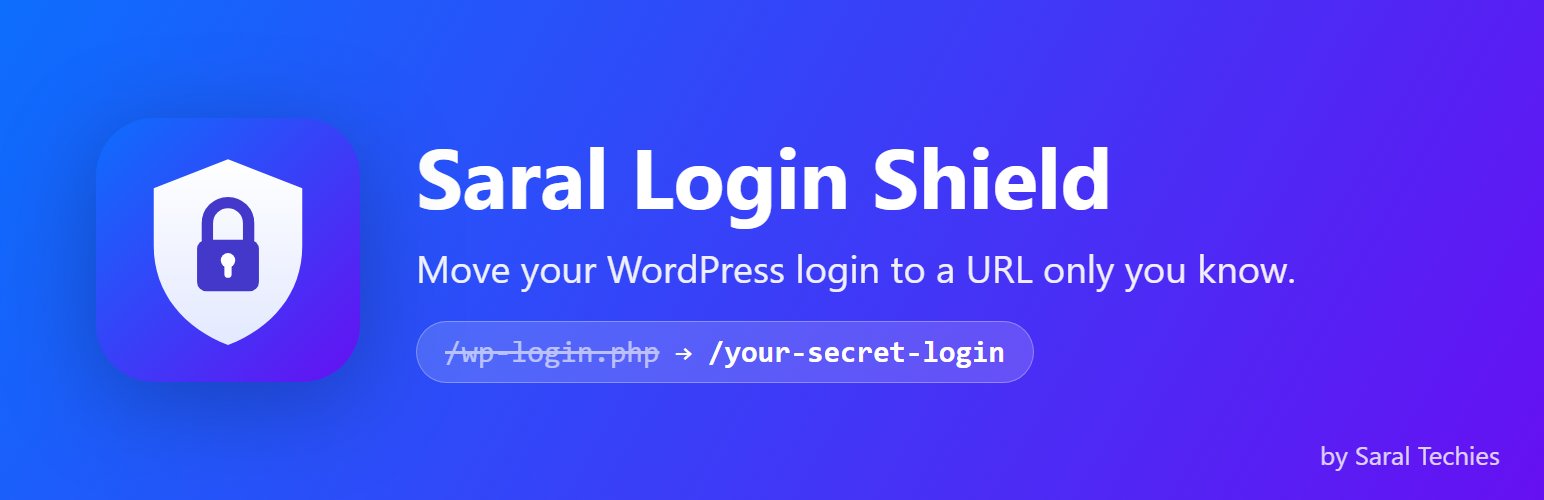
The first version, in May 2026, did one thing: it gave the login page a new address of your choice and showed bots a “not found” page at the old one. It was published free on WordPress.org in June 2026. Moving the page cuts out the bulk of the noise, but it isn't security on its own, so it was never meant to stop there.
Then the real protection
Version 1.1 added limits on login attempts, with lockouts (by default 5 failures in 20 minutes locks that address out for 20 minutes), an option to switch off XML-RPC, a recovery address in case you lock yourself out, an activity log and an email alert for logins from a new IP address.
Version 2.0 added two-step login with an authenticator app. We wrote the code generator ourselves to the published standard rather than pulling in a library, so the plugin makes no outside connections at all. Each user's secret key is stored encrypted, and every user gets 10 one-time backup codes, kept only as hashes. The code prompt appears after the password is accepted but before WordPress hands over the login session, which means it also protects forms that use WordPress's normal login, such as WooCommerce's My Account page.
Reading our own code like an attacker
Security code deserves a hostile reader, so after 2.0 we reviewed the plugin as one and tightened it in the updates that followed, including stricter limits on wrong two-step codes and better handling of IPv6 addresses. It's the part of the work nobody sees, and the part that matters most.
Pro as a separate add-on
WordPress.org's rules don't allow locked features or outside update systems in hosted plugins, so the free plugin stays complete on its own. Saral Login Shield Pro is a separate plugin that hooks into it, with IP allow and block lists, CAPTCHA, two-step login for any role or by email, a password policy that checks for breached passwords, session limits and alerts to Slack or email. Its upgrade hint in the free plugin only appears on sites that are actually under attack, after 50 failed logins or 5 lockouts in a month.
OpenCart: same idea, different plumbing
OpenCart 4 has no hooks like WordPress, so the OpenCart version runs entirely on its event system and changes no core files. One quirk took a while to find: OpenCart 4.0.2 and 4.1 handle an event's result differently, so the extension does both. In the free OpenCart edition, two-step login is for admins, and customer logins are limited and logged.
Where it stands
Saral Login Shield is free on WordPress.org, has a Pro add-on sold with licence keys from our website, and is on the OpenCart Marketplace as our first OpenCart extension. The activity log is kept for 30 days by default and nothing is ever sent off the site, apart from the emails you turn on.
We're careful about what it is not. It isn't a firewall or a malware scanner, and it protects the login, not the whole site. Login forms that use AJAX or their own sign-in code aren't covered, it hasn't been tested on multisite, and the OpenCart version has so far been tested on OpenCart 4.1.
The lesson we keep from this one is the review. Shipping a security feature is the start, not the finish, and reading your own code the way an attacker would is part of building it.