The problem
This one started with a very ordinary job. Move the photos off the phone and onto the SD card.
So we tried a few file managers. Most of them showed full-screen ads between folders, pushed a “phone cleaner”, or wanted us to sign in first. For an app that needs access to every file on your phone, that's a lot of other business going on.
A file manager has a lot of trust built into it. You give it “All files access”, which is about as much as Android allows. We felt the right answer to that was an app that does only what you ask, can't send anything anywhere, and lets anyone read its code to check.
What we built
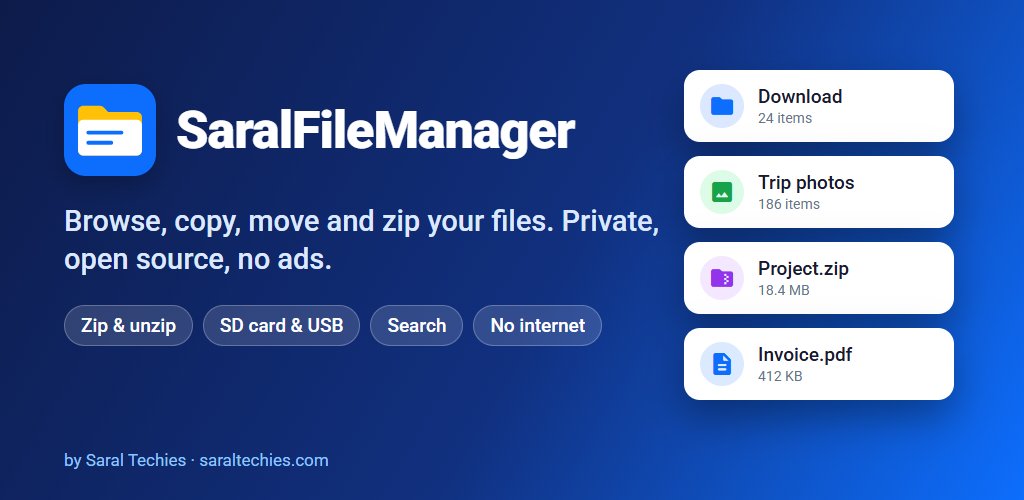
Small, plain and offline
Saral File Manager is written in Kotlin with Jetpack Compose and uses Android's plain file and zip classes, with no extra libraries for the core work. The finished app is a 1.7 MB download.
The internet permission is removed in the app's manifest. We also made the build check for it: every release is inspected automatically, and if a library ever sneaks the permission back in, the build fails before anything reaches Google Play.
Copies you can trust
Copying, moving and zipping show a progress bar and can be cancelled. The detail we cared about was what happens when you cancel: a half-copied file is cleaned up, so you never end up with a broken video that looks like the real one.
Unzipping got the same care. A badly made or malicious zip can contain entries named like ../../something that try to write outside the folder you chose. The app checks the real path of every entry and skips any that would escape.
The little things
Names sort the way people expect, so “Photo 2” comes before “Photo 10”. Recent files shows what changed in the last 30 days. Bookmarks keep your most-used folders one tap away. Search shows results as it finds them.
Being honest about Android's limits
Some things no file manager can do on a modern phone, and we'd rather say so than hide it. On Android 11 and newer, each app's Android/data folder is private. On Android 8 to 10, apps can read an SD card but can't write to it this way. Both are explained in the app's FAQ instead of being left for people to discover.
Where it stands
Saral File Manager is our first public open-source app, under the GPL-3.0 licence at github.com/saraltechies/saralfilemanager. It was built and prepared for Google Play on 31 October 2026, and version 1.0.1 replaced 1.0.0 while it was still in review, just to fix the name on the listing to “Saral File Manager”. It is coming soon to Google Play.
One bug is worth sharing for other Android developers. Adding Google Play's in-app update library quietly pulled in an old version of a core Android library, which broke a standard way of asking for permissions and failed the code checks. Pinning the newer version fixed it. It took longer to find than to fix, as these things do.
What it doesn't do: no RAR or 7z, no installing APKs, no cloud drives or FTP. The store screenshots are drawings of the screens for now, and we'll replace them with real captures. Publishing the code was the part we thought hardest about, and we're glad we did. If an app asks to see all your files, you should be able to see all of its code.