The problem
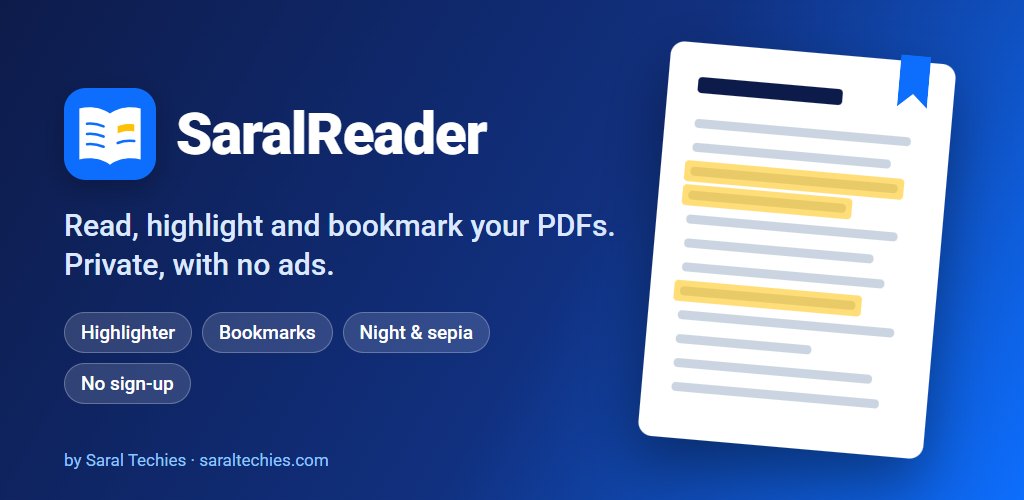
We read a lot of PDFs on our phones: proposals, manuals, government notices, the odd study guide. Most of the readers we tried got at least one thing wrong: ads, a sign-up, forgetting the page every time you closed it, or no way to highlight at all.
The wish list was short: no ads, no account, open on the page you left, and a proper highlighter. It sounded like a week's work, because Google now ships a PDF viewer for Android apps.
Then we read the small print. That viewer can only save annotations on phones with a recent system update (extension level 18), and it can only select text from level 13. Many phones in daily use don't have those updates. A highlighter that works for some readers and silently does nothing for others wasn't something we wanted to ship.
What we built
Highlights that belong to the app, not the file
We kept Google's viewer for what it does well, which is showing pages quickly, and built the highlights ourselves on top. Each highlight is saved in the app's own small database: the page, the rectangles it covers, the words and the colour. A transparent layer draws them over the page.
That one decision solved several problems at once. It works the same on Android 9 as on Android 17. Your PDF is never changed, so the original file stays exactly as it was. And because the app knows what you highlighted, it can list every highlight in one place, let you add a note to it, and share them as tidy notes to WhatsApp or email.
The highlighter pen snaps to the words when the page has readable text. On a scanned page with no text, it draws a marker band where you dragged, like a real highlighter would.
Reading comfort
The library remembers the page you reached in every PDF. Sepia and dark pages make long reading easier at night, and long-pressing the app icon shows the last three books so you can carry on in one tap.
Scan to PDF, without a camera permission
Version 1.1.0, a day after 1.0.0, added notes on highlights and scanning a paper document into a PDF of up to 50 pages. The scanning itself is Google's document scanner, which runs inside Play services, so SaralReader doesn't need the camera permission at all. We're clear about that: we built the reader around it, not the scanning technology.
We also went further than not asking for the internet. A Google library the scanner depends on quietly adds the internet permission, and we remove it again in the app's manifest. SaralReader asks for no permissions at all.
Where it stands
SaralReader is live on Google Play. Fifteen commits took it from the first line on 27 October 2026 to Scan to PDF on the 29th.
It wasn't all smooth. 1.1.0 accidentally dropped 22 landscape-only devices from the Play listing, mostly car screens, and a build tool update caused the same start-up crash we had already met in SaralQRScan. Version 1.1.1 fixed both.
The limits are worth saying plainly. It opens PDFs only for now, and EPUB is planned. Search and text selection depend on the phone's Google Play system updates, so they are better on newer phones, even though highlighting works everywhere. Scanned pages aren't turned into searchable text yet. And there is no cloud sync: your highlights live on your phone.
The bigger lesson was about libraries. A ready-made component can save weeks, but read what it actually supports on the phones your users have, before you promise a feature on top of it.